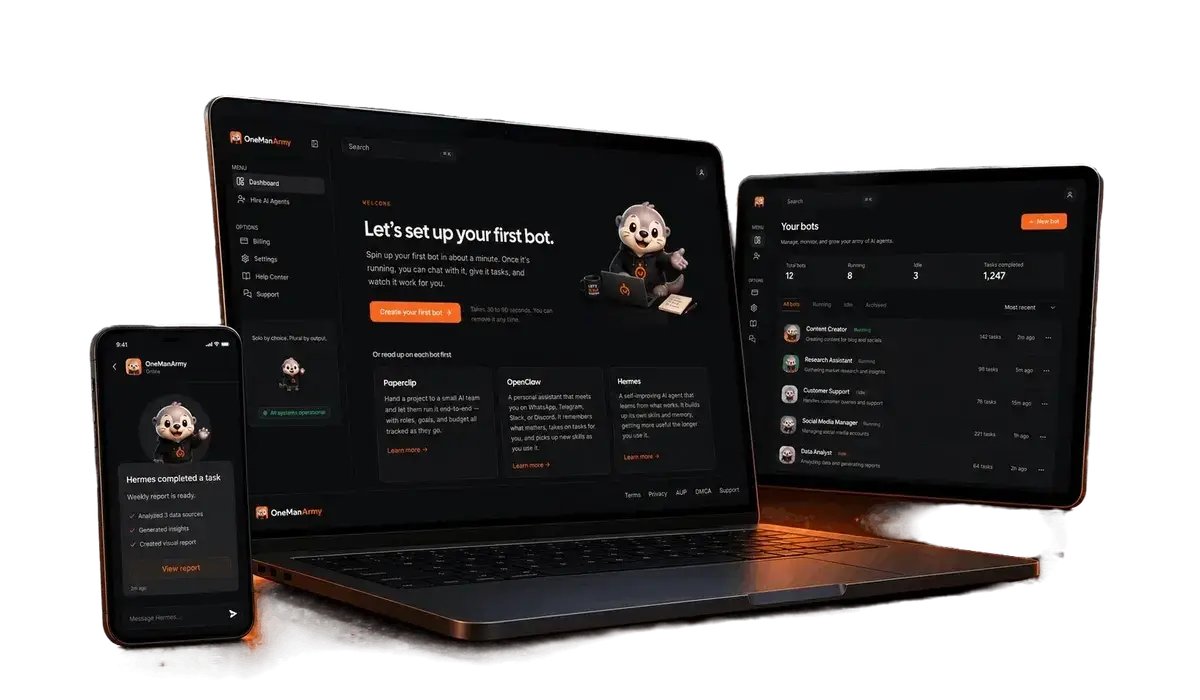
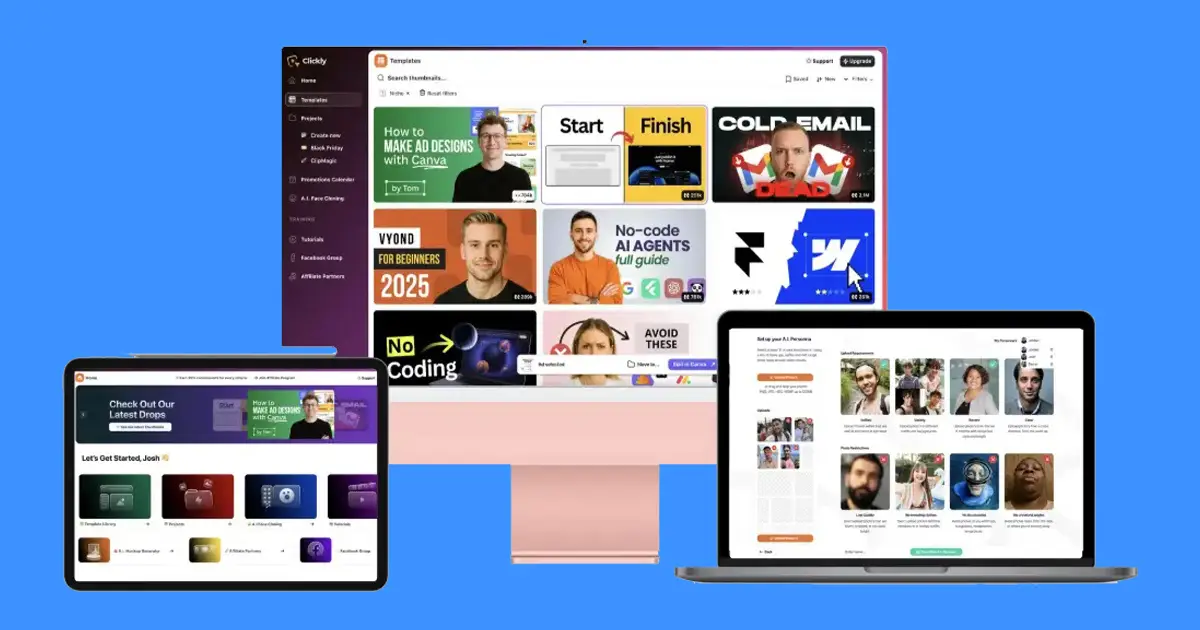
Igloo AI platform delivers a unified community hub with native course delivery, interactive discussion spaces, and event management powered by connected language models.
How to build online communities with iGloo Ai
The iGloo AI platform combines five foundational membership tools into a single control panel. The dashboard provides a central social feed, structured video and text modules, live calendar functions, direct text conversations, and administrative oversight. The primary operational difference lies in its external intelligence setup, which allows owners to link personal access tokens from major natural language services rather than relying on generic, platform-locked automation templates.
This connection model shifts operational costs away from proprietary platform fees. When you direct your own accounts into the administrative settings, you control your token limits, context sizes, and model versions without unexpected platform markups. The engine drafts announcements, outlines curricula, generates discussion prompts, and summarizes attendee questions. Because the generation occurs through your linked keys, administrative records remain separate from public model training datasets under the standard business protections outlined in the Federal Trade Commission consumer privacy guidance.
The layout separates administrative tasks from the participant experience. Operators manage the back-end while learners navigate a streamlined portal. This keeps complex controls away from participants, ensuring a reliable environment for learning and interaction.
How Do the Five Core Platform Tools Compare in Daily Practice?
Understanding how each tool functions during standard operations helps you evaluate whether the software matches your everyday workflow.
| Tool Name | Primary Function | Everyday Operating Role | Participant Experience |
|---|---|---|---|
| Activity Feed | Social updates and public notices | Publishing text announcements and tracking feedback | Chronological timeline with commenting |
| Curriculum Portal | Structured educational delivery | Hosting sequential lessons and tracking status | Clean lesson viewer with progress indicators |
| Calendar System | Scheduling meetings and workshops | Announcing session dates and community gatherings | Time-based directory with event descriptions |
| Private Chat | Direct and small-group discussions | Answering student queries and facilitating networking | Real-time messaging window inside the portal |
| User Control | Access management and profile rules | Assigning student rights and viewing member lists | Standard personal profile and enrollment area |
Each component handles a distinct stage of audience engagement.
How Does the Platform Connect to External Language Models?
The system integrates directly with OpenAI ChatGPT and Anthropic Claude via secure developer tokens. You simply enter your individual API key into the platform’s settings tab, establishing a direct connection between the member dashboard and the underlying engine.
- You retain full visibility over raw usage charges, paying only for the exact computational tokens your content generation consumes.
- You choose between different reasoning models, selecting concise styles for community prompts or nuanced writing for technical course outlines.
- Your workspace avoids the arbitrary monthly generation ceilings often found on bundled subscription platforms.
Once you paste your credentials into the dashboard, the platform activates contextual drafting buttons across your course builder and community feed. If you choose Claude, the system structures longer course modules with descriptive prose and clear academic transitions. If you select ChatGPT, the system drafts quick, punchy social updates and focused discussion questions suitable for immediate member replies.

Setting Up Your Community Portal and Courses
Setting up a complete community environment requires a systematic approach to balance open social spaces with protected learning materials. You can configure your entire platform workspace by completing this sequence:
- Establish administrative access and system credentials. Log in to the management console, name your project space, and verify your master administrative contact details before adjusting layout themes.
- Paste your external model security keys. Open the integration menu, select your preferred language model provider, and enter your personal token to unlock writing and structuring tools across the workspace.
- Construct module categories and public sales pages. Define your learning tracks inside the course area and toggle on public-facing storefront links if you intend to collect payments for access.
- Format individual lesson files within the video player. Upload your written study notes, configure multimedia embeds, and preview how each sequential topic renders inside the built-in lesson player.
- Create your community feed categories and discussion spaces. Establish the initial announcement channels, configure standard posting rights for members, and seed the timeline with welcoming conversation topics.
- Set up calendar events and meeting descriptions. Add upcoming workshop dates, specify scheduling details inside the calendar module, and post reminders directly to the community feed.
- Review participant permissions and client handoff toggles. Verify member management settings, confirm that enrollment pathways operate correctly, and activate commercial rights configurations if delivering the portal to a client.
Tip: Connect and verify your third-party API key inside the settings panel before constructing lesson outlines so the drafting assistant is active while you build.
Structuring Educational Content with the Built-In Lesson Player
The internal lesson viewer provides an orderly, distraction-free environment for delivering digital training. Rather than forcing students to navigate external video hosting links or cluttered file directories, the native media frame displays video lectures alongside structured text notes and step-by-step checklists.
A visible navigation sidebar displays the complete curriculum outline, enabling students to track their current position within a multi-part series. As participants finish specific topics, the interface marks their status and automatically reveals the next logical topic. This sequential flow prevents students from getting lost in sprawling libraries and reduces common support requests regarding missing class files.
Selling Content Directly Through Public Course Pages
Attracting new enrollments requires clean presentation that clearly explains the educational value to prospective students. The software includes dedicated public-facing page templates designed specifically to showcase paid educational programs without exposing private discussion feeds to unverified visitors.
Once a prospective student completes the enrollment process on a public storefront page, the system provisions their credentials and grants entry into the protected member area. This direct transition keeps enrollment simple, sending the buyer directly into the custom lesson viewer while keeping private community discussions secure.
Managing Client Projects Using Commercial Rights Options
For freelance consultants, marketing agencies, and operations specialists, the platform provides commercial rights functionality that allows the construction of complete community assets for third parties.
- Corporate Staff Onboarding Portals: Design internal training workspaces for local companies looking to educate new staff through automated, trackable lessons.
- Customer Education Hubs: Construct customer support communities for software brands needing centralized places to host feature tutorials and answer technical questions.
- Interactive Membership Portals: Build and monetize niche interest hubs for creators, managing administrative configurations while the client handles public moderation.
Commercial provisioning allows you to deliver a finished workspace to a buyer without locking your agency accounts into their ongoing communication channels.
Who Is This Community Software Built For?
Matching platform capabilities to your specific operational needs ensures you don’t invest in tools that sit unused.
Creators and Course Educators
Independent educators who sell specialized skills benefit significantly from having courses and discussions unified in one portal. The built-in lesson player eliminates the need for separate hosting services, while the activity feed maintains ongoing engagement between formal training releases.
Service Agencies and Digital Consultants
Agencies managing client deliverables can use the commercial rights options to create new recurring service offerings. Building community infrastructure, configuring calendar events, and organizing client training materials into a professional portal offers clear, deliverable value.
Small Business Owners and Local Groups
Local organizations seeking a private communications channel away from mainstream social media algorithms find value in the unified feed and calendar. The administrative dashboard allows complete control over member admissions without subjecting users to third-party advertising.
When to Seek an Alternative Solution
This software isn’t ideal for creators who require offline file synchronization or local database installs. If your enterprise requires on-premise physical server hosting or advanced custom CSS code injections across every sub-element, a custom-coded framework may serve your workflow better. Furthermore, if you never intend to use external natural language models to assist with your operational planning, the integrated writing tools will provide little utility for your business.

Is It Safe to Do This Yourself?
Connecting your personal developer credentials to an online platform introduces practical security considerations that require sensible operational habits.
To secure your workspace, never paste secret API tokens into shared group chats or public community updates. Access keys must reside exclusively inside the private administrative settings console. Furthermore, you should establish sensible spending caps and automated billing alerts directly inside your OpenAI or Anthropic developer accounts. Setting a hard monthly spending boundary ensures that even if you experiment heavily with content drafting prompts, your underlying account will never exceed your planned budget.
When handling member data, standard administrative precautions apply. Only grant administrative permissions to verified team members, as full account privileges allow users to alter community visibility settings and remove enrolled participants. Regularly review member management lists to ensure former staff members don’t retain backend access to your community or client environments.
How Does It Compare to Traditional Platform Stacks?
Creators traditionally rely on a patchwork of disconnected software products to host courses, run community chats, and schedule live events.
| Platform Model | Technical Complexity | Content Drafting Workflow | Monthly Cost Structure | Member User Journey |
|---|---|---|---|---|
| Disconnected Multi-Tool Setup | High (requires webhooks and multiple plugins) | Manual copy-pasting across separate windows | Multiple recurring subscriptions across tools | Fragmented logins across multiple websites |
| Centralized Direct-Key System | Low (single control panel for all modules) | Native generation using your personal API key | Flat operational setup plus raw API usage | Single login for courses, feeds, and calendar |
Moving to a unified platform eliminates the fragile integration links that often break when independent tools update their software.
Resolving Common Setup and Member Experience Roadblocks
Configuring complex membership spaces sometimes creates operational friction. Addressing standard configuration questions early ensures your community launches smoothly.
Why is the language assistant failing to draft my lesson outlines?
Check your connected language model balance inside your external provider account. If your account runs out of prepaid credits or your API key has been revoked, the platform can’t complete drafting requests. Generate a fresh API key inside your provider console, paste it into the platform’s settings field, and confirm your balance is active.
Why are unregistered visitors unable to see my paid course storefront?
Verify that the public visibility toggle is active on your specific course settings page. If a module remains flagged as private or members-only, the software hides the storefront link from external search engines and visitors. Toggling the page setting to public will generate an accessible link for non-members.
Why are my students unable to view the next sequential class module?
Review the module release conditions inside the curriculum builder. If a lesson is set to require complete playback of the previous module, students who skip ahead will find the subsequent lesson locked. Adjust the completion rules to open access if you prefer members to browse topics at their own pace.
How do I prevent direct chat notifications from overwhelming my members?
Establish dedicated topic channels and clarify community communication rules in your introductory announcement. Setting clear expectations regarding when and where to post direct inquiries helps keep personal inboxes manageable while encouraging productive conversations inside the public feed.
Related guides
- Apix-Drive-Plus Exclusive AppSumo Lifetime Deal Full Review – Build Automated Workflows Without Coding
- Nocodebackend Appsumo Review: Build Apis Without Coding
- How to Use SaaS Tools to Grow an Online Business?
Frequently Asked Questions
Can I connect both Claude and ChatGPT accounts to the dashboard?
Yes, the platform interface supports integration with both language model services. You can switch between your connected provider keys inside the administrative settings panel depending on whether you prefer Claude’s descriptive drafting style or ChatGPT’s rapid conversational responses for your specific materials.
Does the system include video hosting for my training modules?
Yes, the built-in lesson player renders your instructional media, written lecture notes, and training guides in a clean interface. Students can track their progress through sequential modules directly inside the platform without needing external media hosting accounts or extra embedded video software.
What are commercial rights options used for in this software?
Commercial rights options allow digital consultants and agencies to build, configure, and sell complete community spaces, educational courses, and event hubs to third-party clients. You can design the portal layout, populate courses, and transfer control to the client as an agency service.
Can I sell paid access to courses directly through the platform?
Yes, the platform supports public-facing pages configured specifically for paid courses. These pages display program details, instructor bios, and enrollment instructions to external visitors, enabling you to market your training materials publicly while keeping private discussions restricted to registered members.
Do I have to pay extra platform fees for using the automated features?
No extra platform generation fees apply because the software connects directly to your personal API accounts. You pay only the raw computational token fees charged by Anthropic or OpenAI based on your actual drafting volume, eliminating platform-level subscription markups for automated tasks.
What happens if I revoke or change my language model API key?
If you revoke an API token inside your external provider account, the drafting assistant stops functioning until you enter a new, valid key. However, all existing lessons, community posts, scheduled calendar events, and member records remain safely preserved inside your platform dashboard.
Final Thoughts
For digital educators and agencies seeking a unified hub for training, discussions, and event management, exploring the iGloo AI platform provides an orderly path to build interactive spaces with external intelligence tools. Establish your core curriculum outline and review the live environment to launch your next membership project.